
Civic experience / 2026
Visit Knob Noster
Two skies, one town.
A responsive React visitor guide for Knob Noster, Missouri: things to do, the state park, downtown, sample itineraries and trip planning, with live local weather from Open-Meteo.
Explore live project ↗- Project
- Independent portfolio concept
- Role
- Design + Development
- Built with
- React 19 · React Router · Vite · Open-Meteo API
- Code
- View on GitHub ↗
01 / The brief
Two skies, one town.
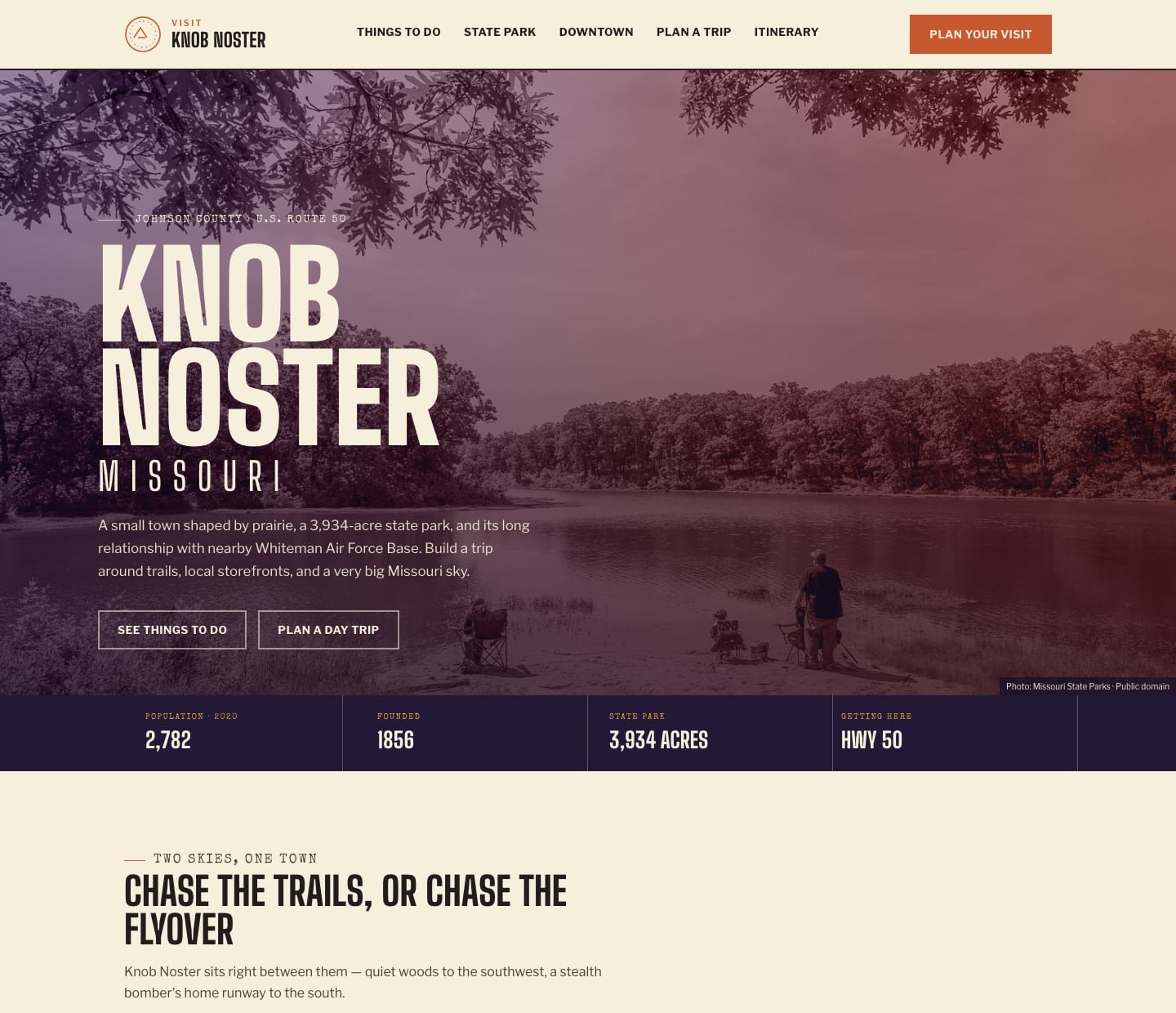
Knob Noster, Missouri sits between a 3,934-acre state park and Whiteman Air Force Base, home of the B-2. Visitors come for one and discover the other. The guide needed to help someone plan a day or a weekend around both, in a few minutes.
It also needed to be honest about what it is. This is an independent portfolio concept, not an official tourism site, so every listing points to the official source for hours, access rules and events. Visitor facts were checked against the Knob Noster Chamber of Commerce, Missouri State Parks, the U.S. Air Force, the Missouri Department of Conservation and the U.S. Census.
02 / Official sources
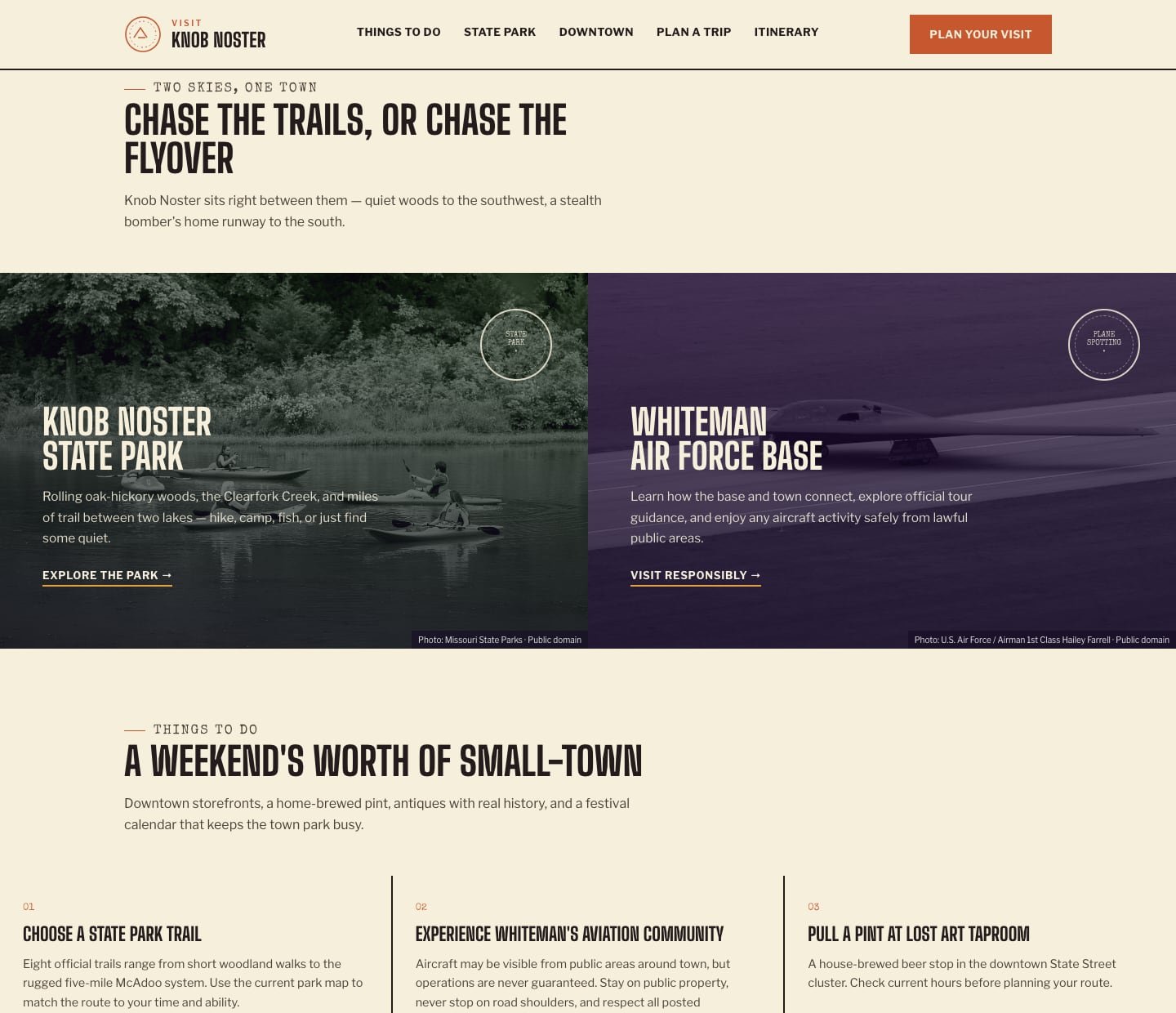
Real photos, credited. Real links, kept in one place.
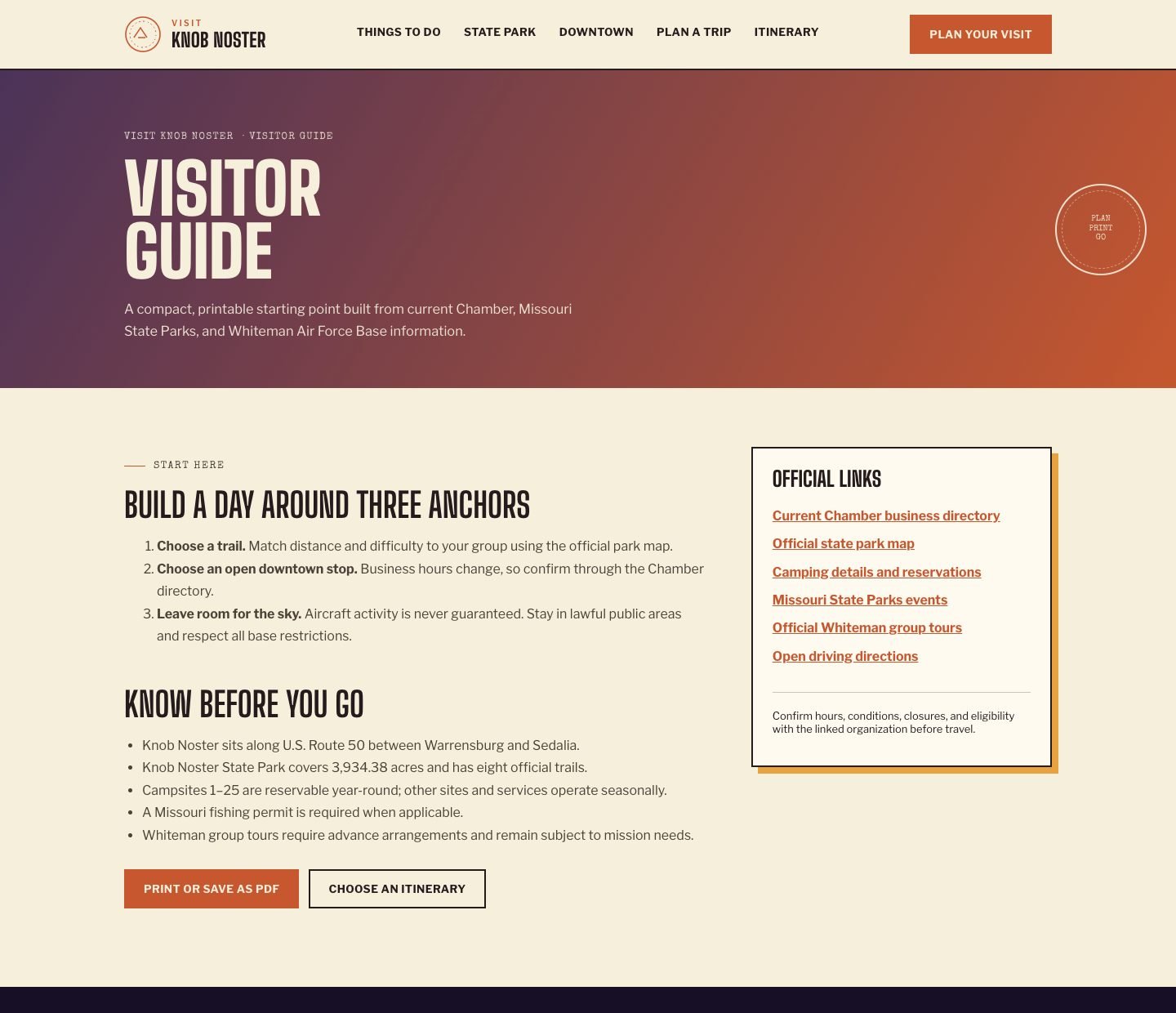
A town guide without real photos feels like a template, but a portfolio concept can’t borrow tourism photography. I tracked down public-domain images instead: Missouri State Parks photos of the lake and trails, and a U.S. Air Force photo of a B-2 Spirit at Whiteman. Each photo is stored with its credit and a link back to the original, and the page hero prints that credit on the image, so nothing appears uncredited.
The same rule applies to facts. Hours, trail closures, camping, base tours and base access change, so the guide links to the people who maintain them: Missouri State Parks, Whiteman Air Force Base and the Knob Noster Chamber of Commerce. Every one of those URLs lives in a single sources file. When an agency moves a page, one line changes and every link across the site follows.
b2Sunset: {
  url: "/images/whiteman-b2-spirit-optimized.jpg",
  credit: "U.S. Air Force / Airman 1st Class Hailey Farrell · Public domain",
  creditUrl: "https://www.dvidshub.net/image/8346253/spirit-vigilance-2024",
  alt: "B-2 Spirit aircraft taxiing at Whiteman Air Force Base in April 2024",
},
03 / Live data
Weather and directions a visitor can act on.
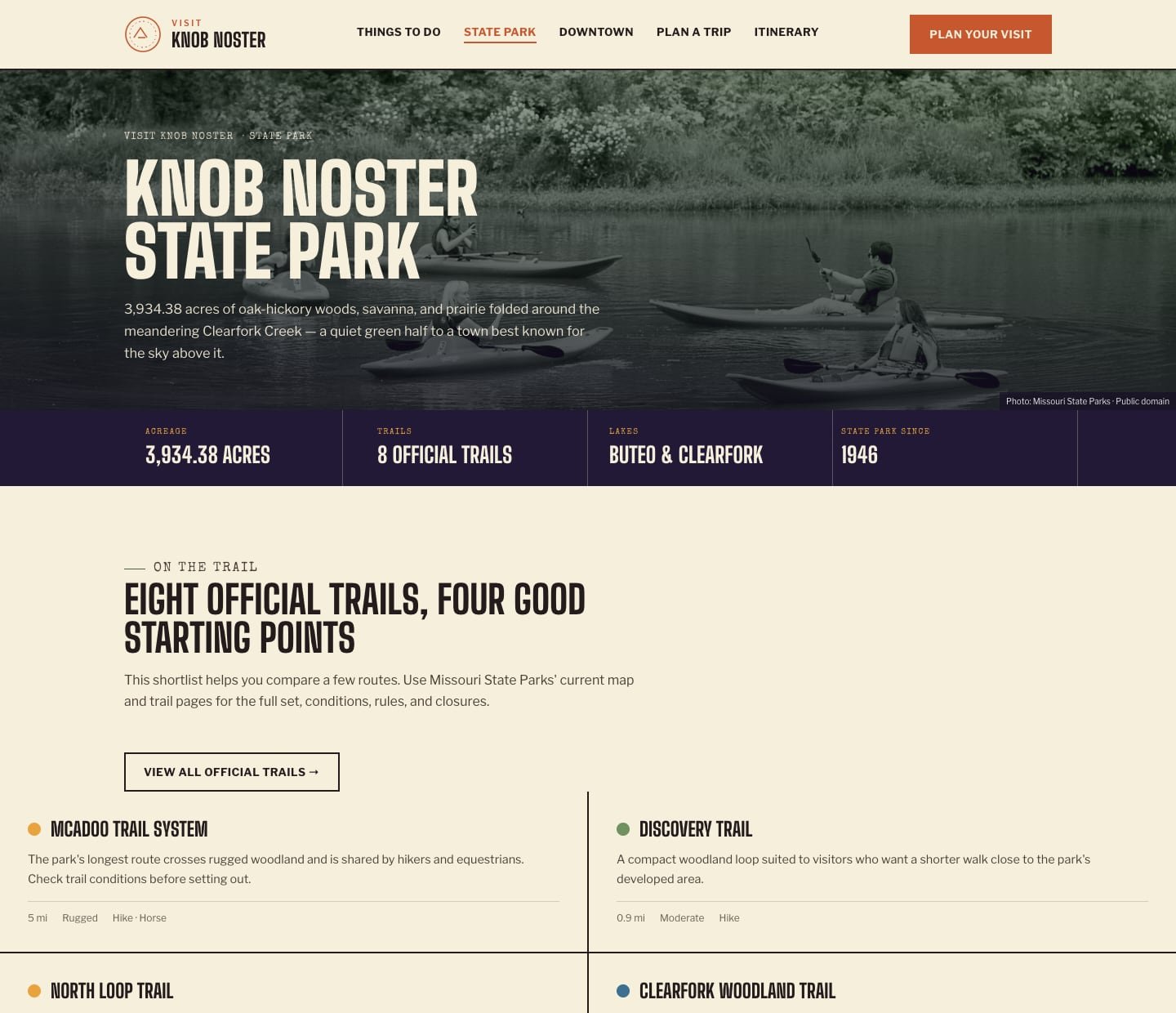
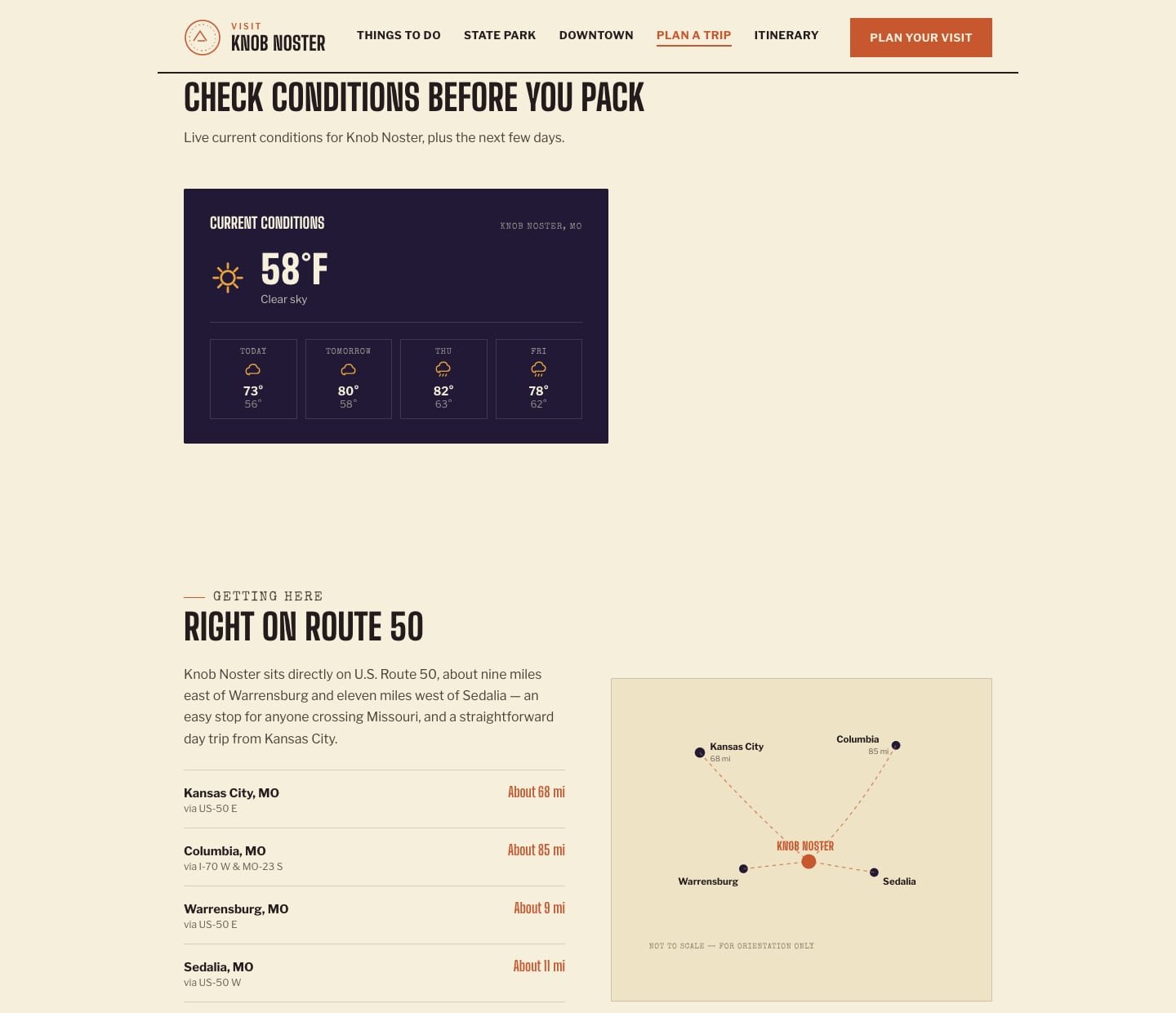
The Plan a Trip page shows live current conditions and a four-day forecast in Fahrenheit from the Open-Meteo API. Open-Meteo needs no API key, so the browser calls it directly and the site stays fully static.
The request asks for Central time, so “Today” always means Knob Noster’s today, wherever the visitor is reading from. The response is checked before anything renders, and Open-Meteo’s numeric weather codes are mapped to plain labels and a small set of icons. If the service is down, the widget says so and tells the visitor to check a forecast before heading out, instead of showing a blank box.
Directions needed no API at all. “Open live directions” is a Google Maps link with Knob Noster as the destination, opened in a new tab. Google Maps fills in the visitor’s starting point and current traffic, so the guide never asks for their location, and the drive times on the page stay a rough guide rather than a promise.
The site’s Content Security Policy only allows network requests to itself and api.open-meteo.com.
fetch(url)
  .then((res) => {
    if (!res.ok) throw new Error("Weather request failed");
    return res.json();
  })
  .then((data) => {
    // Render only a response that has the fields the widget needs.
    if (data?.error || typeof data?.current?.weather_code !== "number" || !Array.isArray(data?.daily?.time)) {
      throw new Error("Unexpected weather payload");
    }
    if (!cancelled) setState({ status: "ready", data });
  })
  .catch(() => {
    if (!cancelled) setState({ status: "error", data: null });
  });
04 / Content as data
A new trip plan is a data change, not a new page.
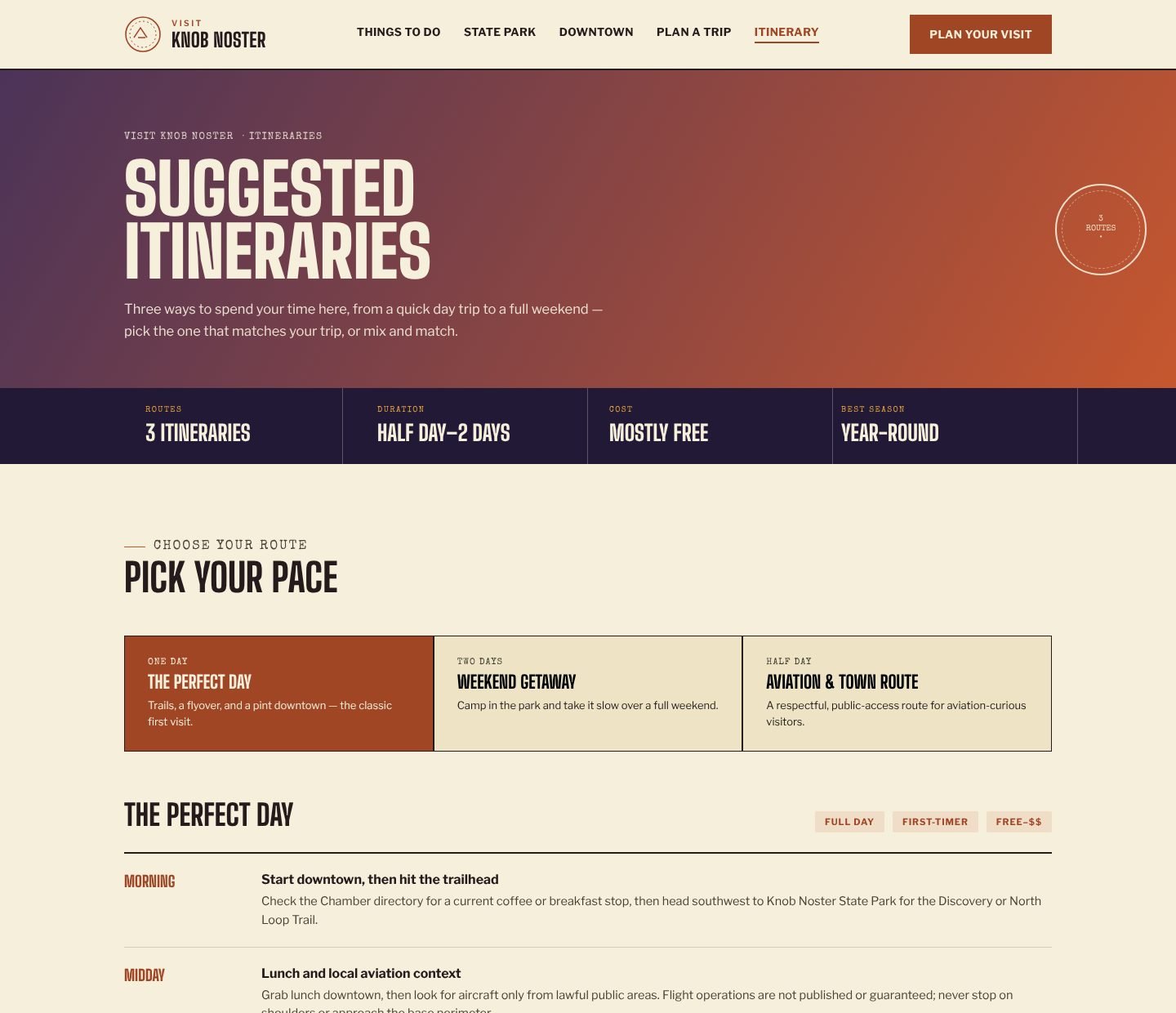
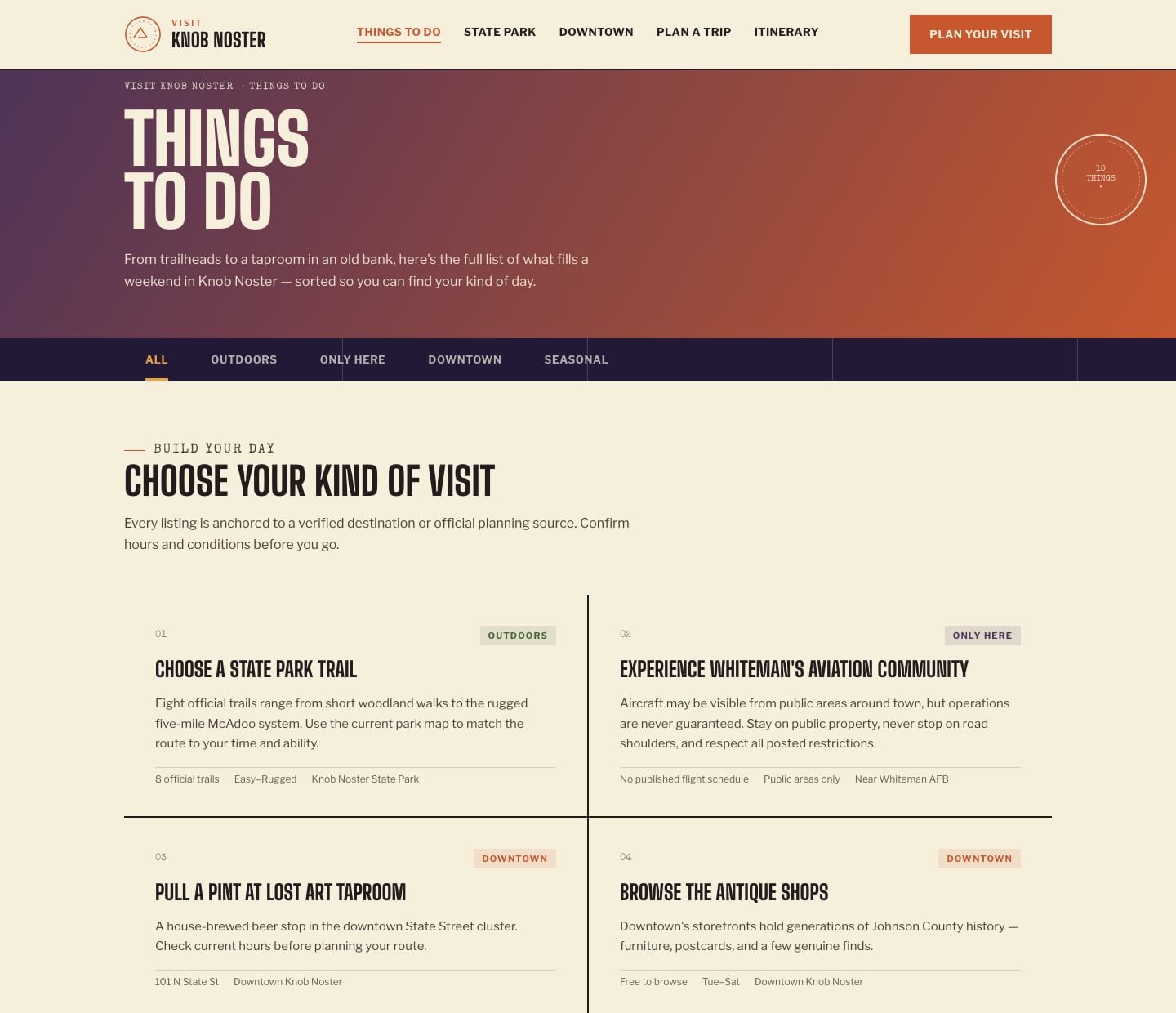
The project started as static HTML mockups. Rebuilding it in React turned repeated markup into shared components (page hero, section heads, a stat strip and a day-by-day timeline) and moved the content into data files.
Things to do, trails, downtown listings, drive times and the three sample itineraries all live in src/data. Adding a weekend plan or a new trail means editing data, and every page that uses it updates the same way.
05 / Access
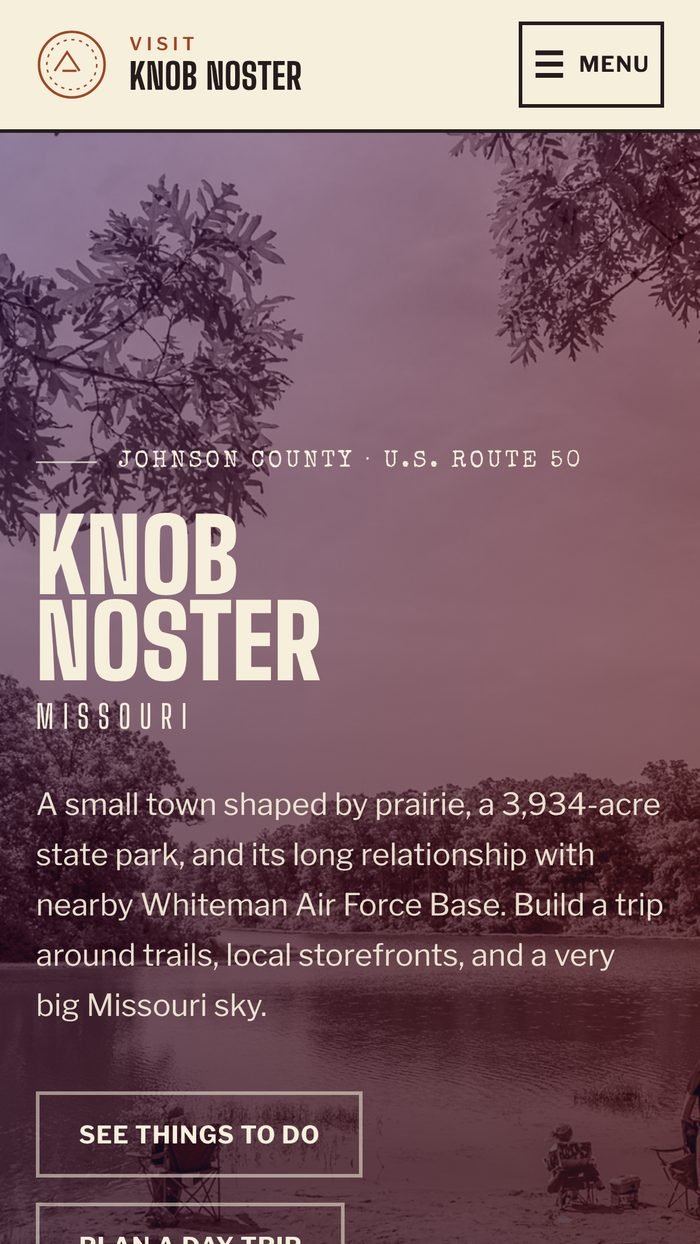
Built for keyboards and small screens.
- A skip link, visible focus states and a reduced-motion mode.
- On every route change the page scrolls to the top, the document title and description update, and focus moves to the new heading.
- The itinerary picker follows the ARIA tabs pattern, with arrow keys, Home and End.
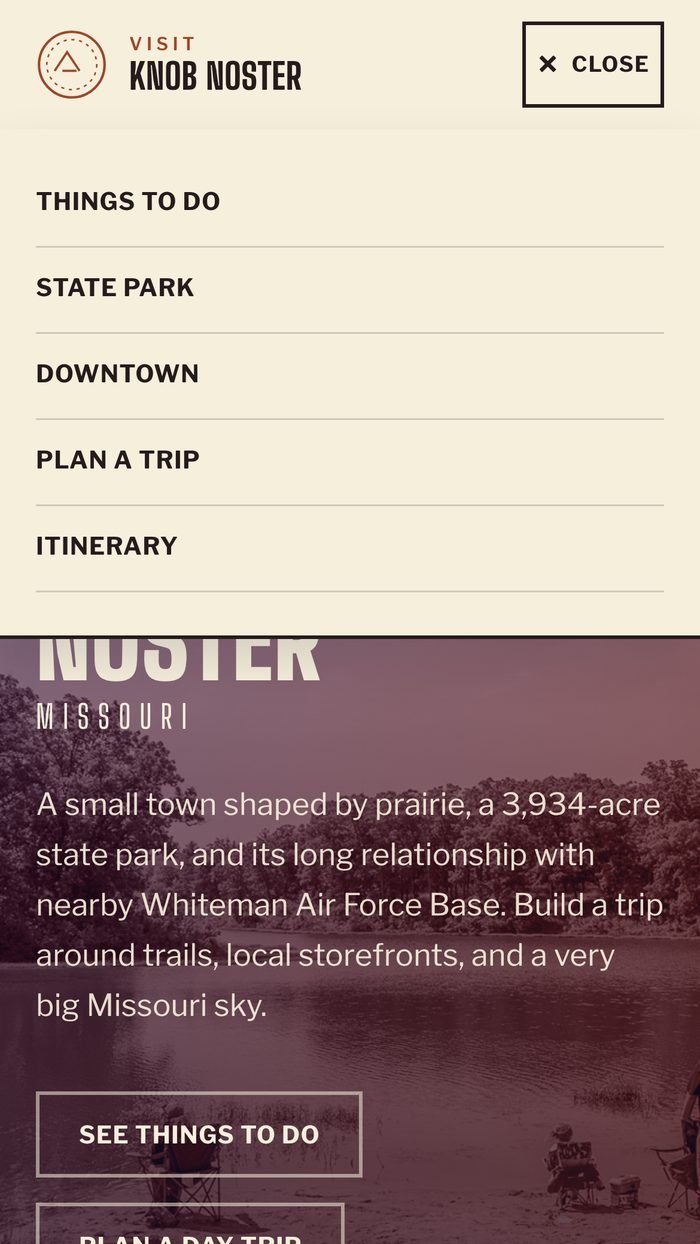
- The mobile menu reports its open and closed state to assistive technology and closes when the route changes.
- Weather loading is announced through a live region.
- Every page passes an automated WCAG 2.2 AA accessibility scan on desktop and phone.
06 / Testing
Tests that check what the guide promises.
The guide promises official sources, credited photos and weather a visitor can trust, so the tests check those promises. 71 unit and data tests confirm that every official link points to an official host, that pages link out only through the sources file, that every photo ships with its credit, and that the weather widget handles loading, success and five kinds of failure. 89 browser tests on desktop and phone cover every page’s layout and keyboard support, the Google Maps hand-off, weather with a mocked Open-Meteo response and an outage, and an accessibility scan of every page.
Writing them found real problems. On phones the homepage headline sat against the edge of the screen, the gold section labels on dark backgrounds were rendering dark brown and were nearly invisible, and the rust text fell short of WCAG AA contrast. All three are fixed, and the tests keep them fixed.
GitHub Actions runs lint, the unit tests and the browser tests on every push and pull request.
// Regression test: the homepage hero once lost its side padding on phones.
const touching = await page.evaluate(() =>
  [...document.querySelectorAll("main :is(h1, h2, h3, p, li, a.btn)")]
    .filter((el) => {
      const box = el.getBoundingClientRect();
      return box.width > 0 && (box.left < 12 || box.right > window.innerWidth - 12);
    })
    .map((el) => `${el.tagName.toLowerCase()}: ${el.textContent.trim().slice(0, 40)}`)
);
expect(touching).toEqual([]);
Explore the work